

Manage Payment/Payout methods
Payments and Payout management is a practical functionality that relies on the ability to track added Methods and check their statuses, availability, and related options.
In this article, we will cover the main standpoints of the Methods management on our platform and single out all the corresponding processes & opportunities.
Manage Methods at the Merchant account level
- Go to Merchants and choose the Merchant account you previously created on the grid.
- If you have not created the account yet, go to the Add Merchant account guide for details.
- Go to the Scheme tab of the specific Merchant account and ensure Test and Live payments or payouts are enabled.
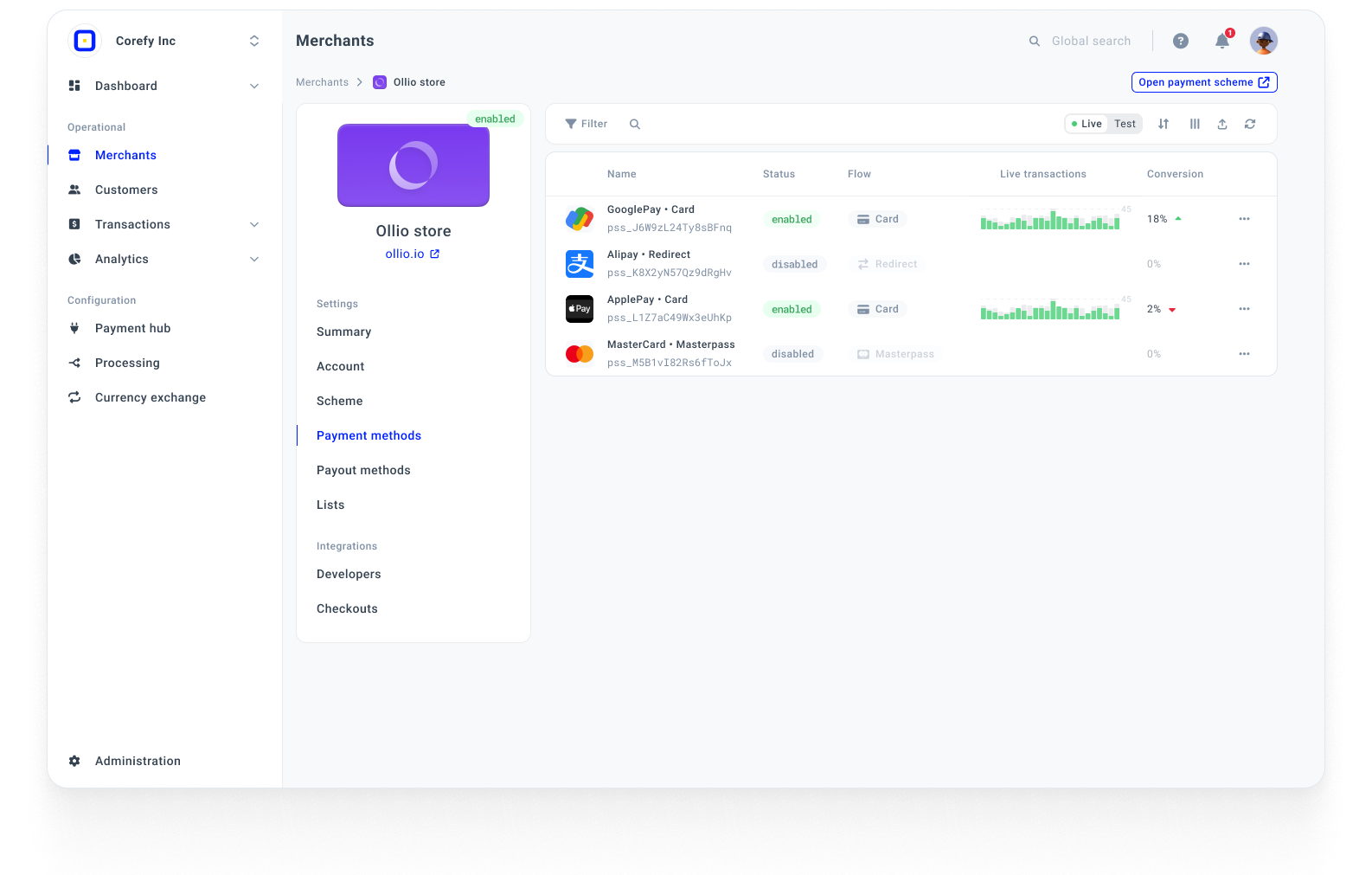
- When Payments and Payouts are enabled, go to the Payment methods or Payout methods tab, depending on your needs. To learn more about the interdependence of Methods at different levels, go to the Payment method synchronisation guide.
- You can review the grid with Methods and switch between Test and Live methods in the top right corner of the page.
- To change the Method state, click the action button next to a specific Method.
| Action | Description |
| Activate | When a Method is disabled, it cannot be used for any further operations. Thus, this button serves as an activation point to enable a Method and continue working with it. |
| Disable | When you no longer need a specific Method, you can click this button. Mind that a Method becomes temporarily unavailable until the moment when you decide to re-enable it. |
| Overview | The Overview button redirects you to the Method overview at the Payment scheme level. |
*To learn the statuses a Method can obtain, go to the Edit Method profile guide.
Updated about 1 month ago
Did this page help you?