

Altitude Pay
Connect a Provider:
- Supported methods: Card Direct
-
Supported currencies: USD, EUR, GBP, PLN, CAD, AUD
-
Industries: E-commerce, SaaS / Subscription-based businesses
-
Geography: Worldwide
Altitude Pay is a next-generation payment platform and payment service provider (PSP) specialising in global card processing, multi-currency routing, and Open Banking account-to-account transactions. It provides API-based payment processing, recurring payments, card tokenisation, and fraud prevention capabilities to help businesses manage secure and efficient payment operations across markets.
Set up account
- To create an account on the Altitude Pay side, go to the official site.
- Then, click Get started now.
- Fill in the form with required information and submit your request.
- The Altitude Pay should reach out to you to start the onboarding procedures.
- When account access is granted, get the needed credentials.
Connect Altitude Pay on our Dashboard
- Open Payment Hub and click New connection.
- From the list of available Providers, select Altitude Pay and click Connect.
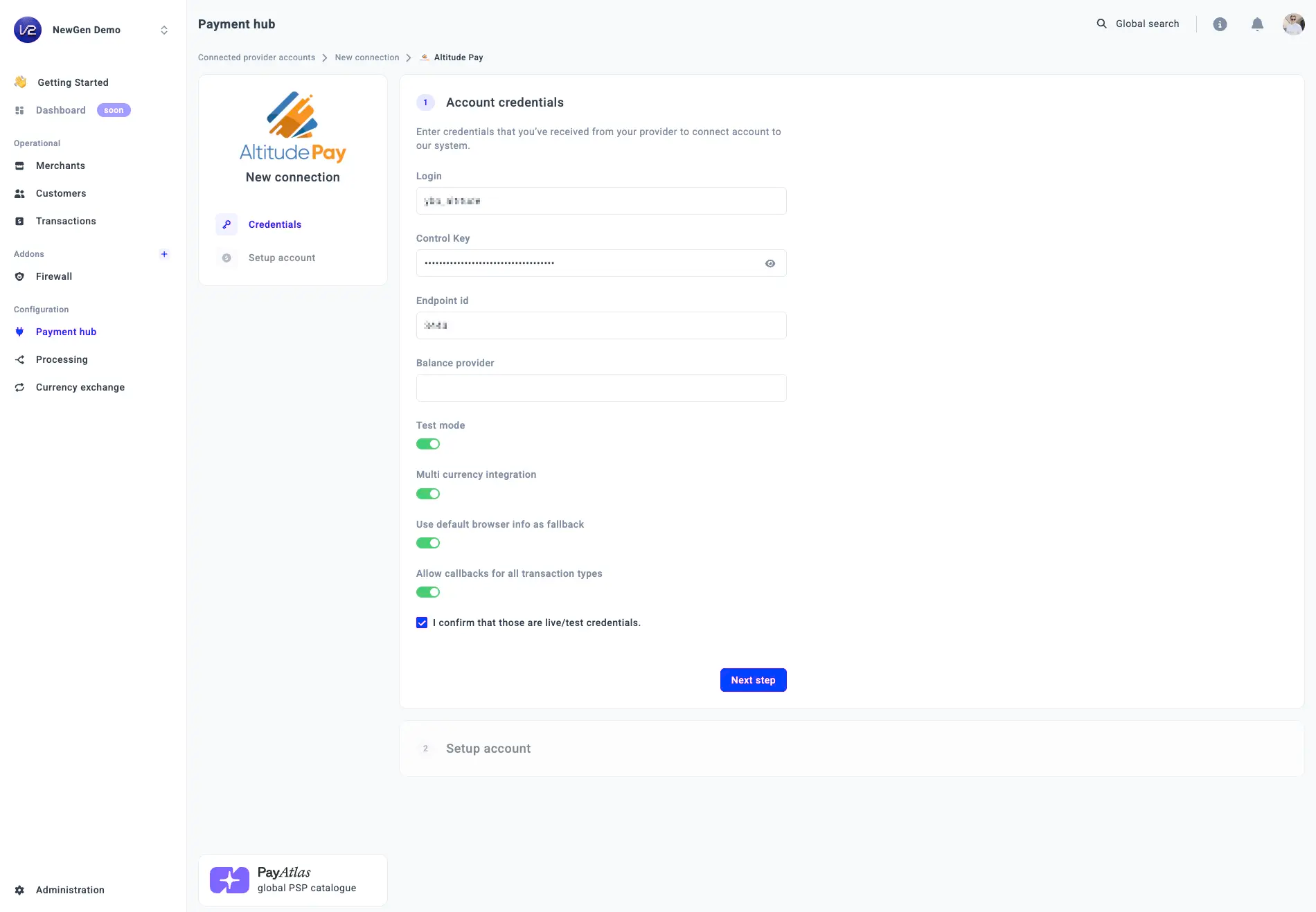
- Open the Credentials tab and enter the required credentials: Login, Control Key, Endpoint ID, and Balance provider.
- Then, switch on the corresponding toggles as needed: Test mode, Multi currency integration, Use default browser info as fallback, and Allow callbacks for all transaction types.
- Click I confirm that those are live/test credentials.
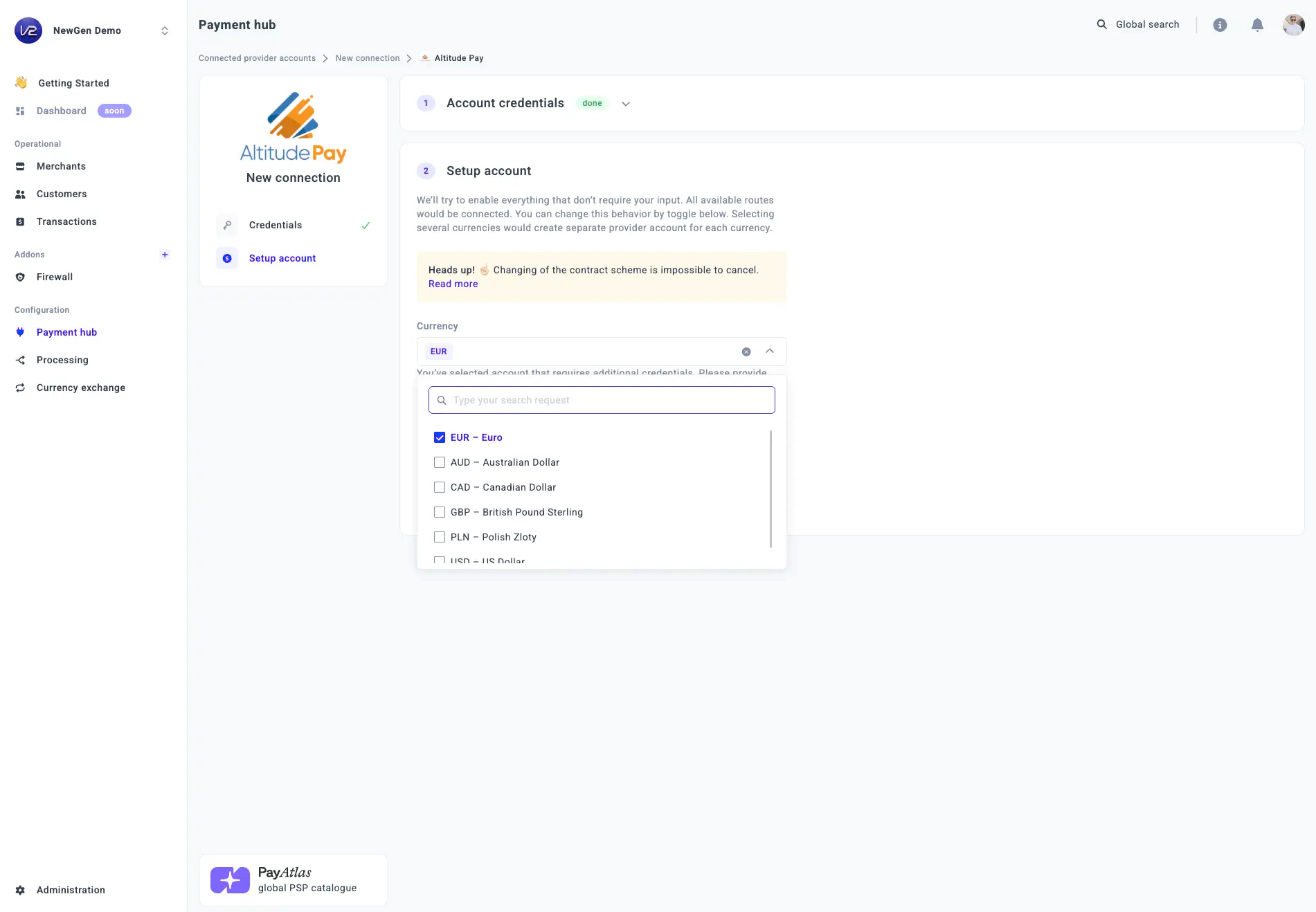
- Select one or more Currencies from the combo box. The system creates a separate Provider account for each selected currency.
- Click Connect.
Updated about 8 hours ago
Did this page help you?